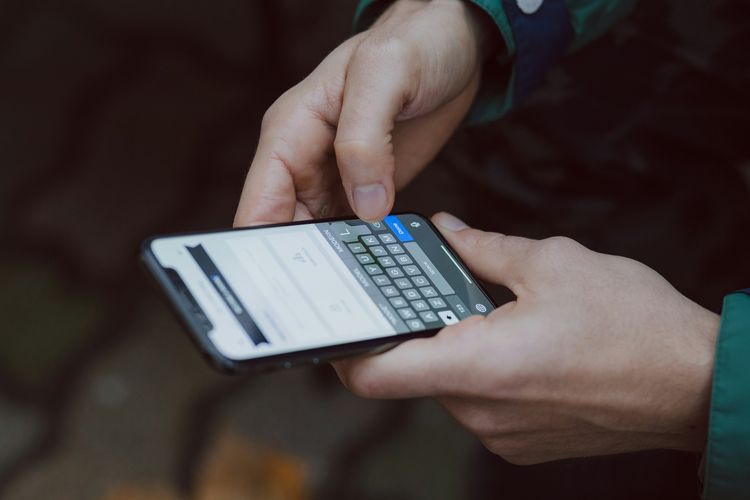
The Shiro Corporation - The sudden disappearance of the mobile phone signal can certainly cause panic, especially when you need a connection for an important call, to send a message, or access the internet.
This issue can be experienced by anyone, even in areas that typically have stable network coverage. There are many factors that can cause the signal to disappear, ranging from network operator disruptions to issues with the device itself.
To help you understand the causes, here are five possibilities to consider when your phone signal suddenly disappears without any clear reason.
Too far from the base transceiver station (BTS)
The signal from your mobile phone comes from the transmission tower or BTS (Base Transceiver Station) which is spread across various locations. If you are too far from these towers, the signal can become very weak or even disappear completely. This often happens when you are in remote areas such as villages, mountains, or in the middle of a forest.
The signal can also weaken during long journeys, such as on intercity toll roads. The more obstacles there are between you and the transmission tower, the harder it is for the signal to reach your phone. So, geographical position greatly affects signal strength.
obstructed by buildings or surroundings
Building materials such as thick concrete, steel, or special glass can block signals from entering a room. If you are inside a multi-story building, a basement, or a closed room without windows, the signal can weaken or be lost. The same thing can happen if you are in a car, as the car body is made of metal and glass, making it difficult for signals to enter.
In addition to buildings, natural factors such as hills or dense trees can also become obstacles. This physical environment slows down or blocks radio waves from the transmission tower to your device. It's no wonder that the signal becomes strong again when you exit a closed room.
Solid network or interference from the provider
When many people use the network in one location at the same time, the signal can weaken. For example, when you are at a concert, stadium, large event, or mall on the weekend. This is called network congestion or network congestion, where the BTS capacity is unable to optimally accommodate all users.
In addition, the operator might be performing network maintenance, which can temporarily disrupt the signal. In some cases, extreme weather can also cause network disruptions. If the signal disappears without a clear reason, the operator may be experiencing technical issues.
Problem with SIM Card or phone component
A long-standing, damaged, or improperly installed SIM card can cause the phone to fail to detect the network. Dust or small scratches on the SIM chip can also disrupt connectivity. Additionally, internal components of the phone such as the signal antenna may be damaged due to drops or water exposure.
If you are already in an area with strong signal but still cannot connect, try moving the SIM to another phone to check whether the issue is with the card or the device. In some cases, replacing the SIM card or taking the phone to a service center can be a solution.
Incorrect bug system or network settings
Sometimes, the cause of signal loss is not due to external network issues, but rather due to settings on your own phone. For example, the airplane mode might be active without you realizing it, or the automatic network setting might not be working properly. An outdated operating system or one affected by bugs can also cause the phone to fail to catch signals.
To address this, you can try restarting your phone, updating the software, or resetting the network settings to default.
Incorrect settings can cause your phone to continuously search for unavailable signals, even though a network is already available around you. Therefore, it's also important to regularly check the network settings on your device.
Get daily updates on technology news and gadgets of choice. Come join the KompasTekno WhatsApp channel.
The correct way is to click the link https://whatsapp.com/channel/0029VaCVYKk89ine5YSjZh1a You need to install the WhatsApp app first on your phone.
Comments
Post a Comment